What PhotoBooking does
One toolkit, from first enquiry to getting paid
Everything below works today. Pay per credit — top up and only spend when you use a paid feature. No monthly bill.
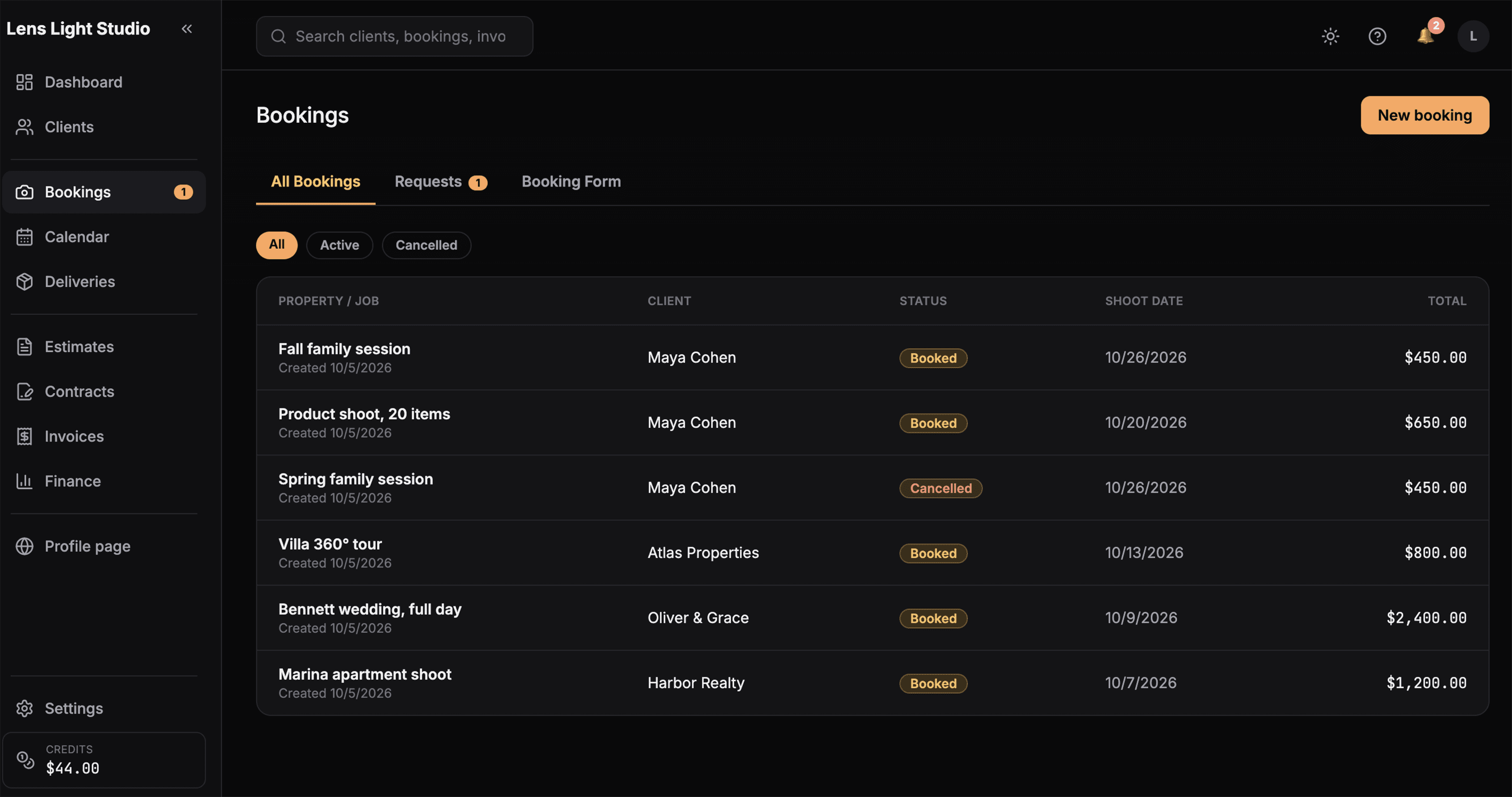
Leads & bookings
Turn enquiries into confirmed shoots and see your week at a glance. Jobs move through clear stages, and the calendar keeps your dates in order.
- Track each enquiry from new lead to confirmed booking
- A calendar view of upcoming shoots
- Set the services and date for every job
- Keep client details on each booking
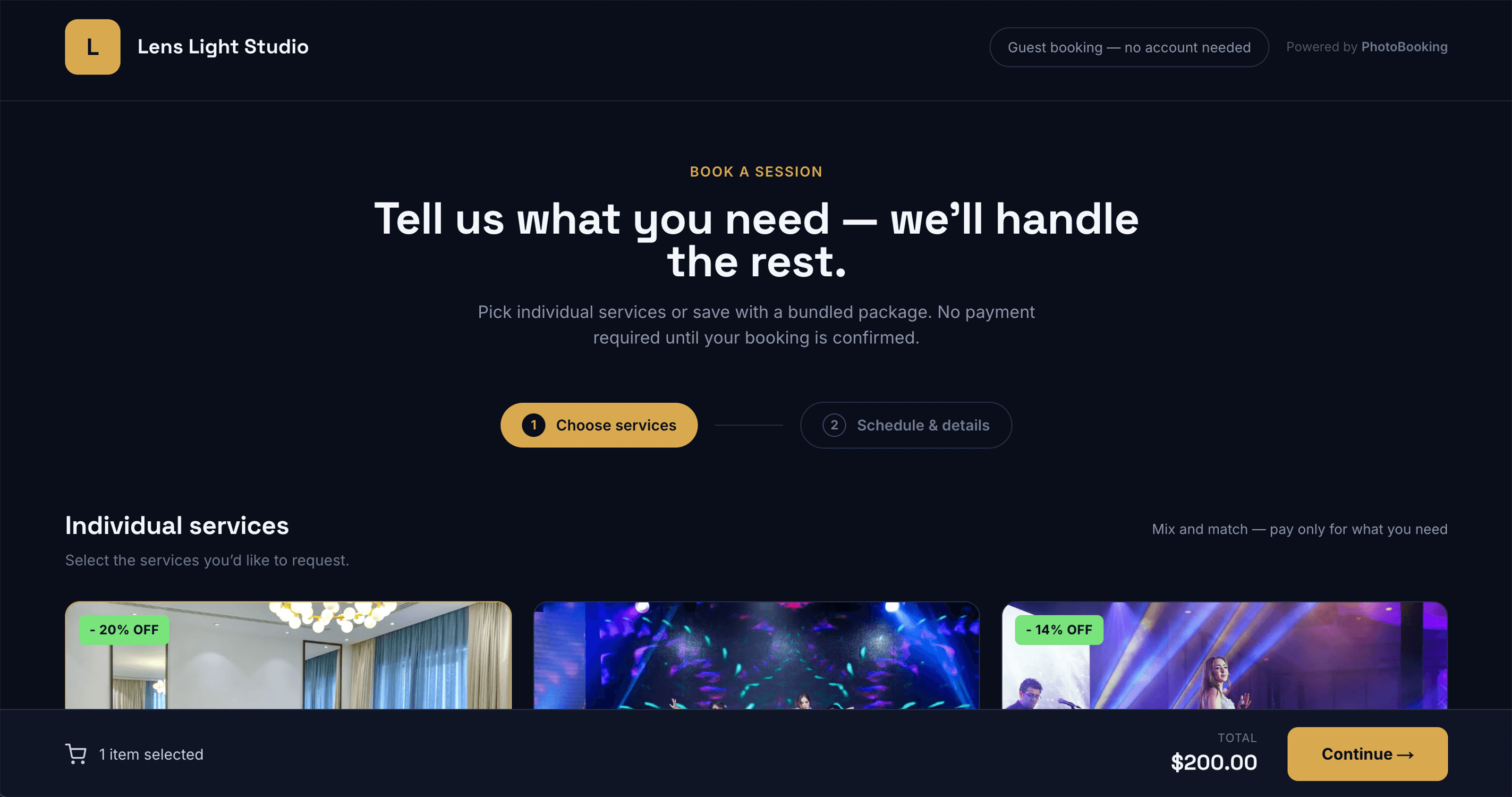
Online booking page
Give clients a page where they request a shoot themselves — they choose your services and a preferred date, and it arrives as a new booking request.
- Clients choose your services and a preferred date
- Requests land straight in your bookings
- Your studio name on the page
- Share the link anywhere
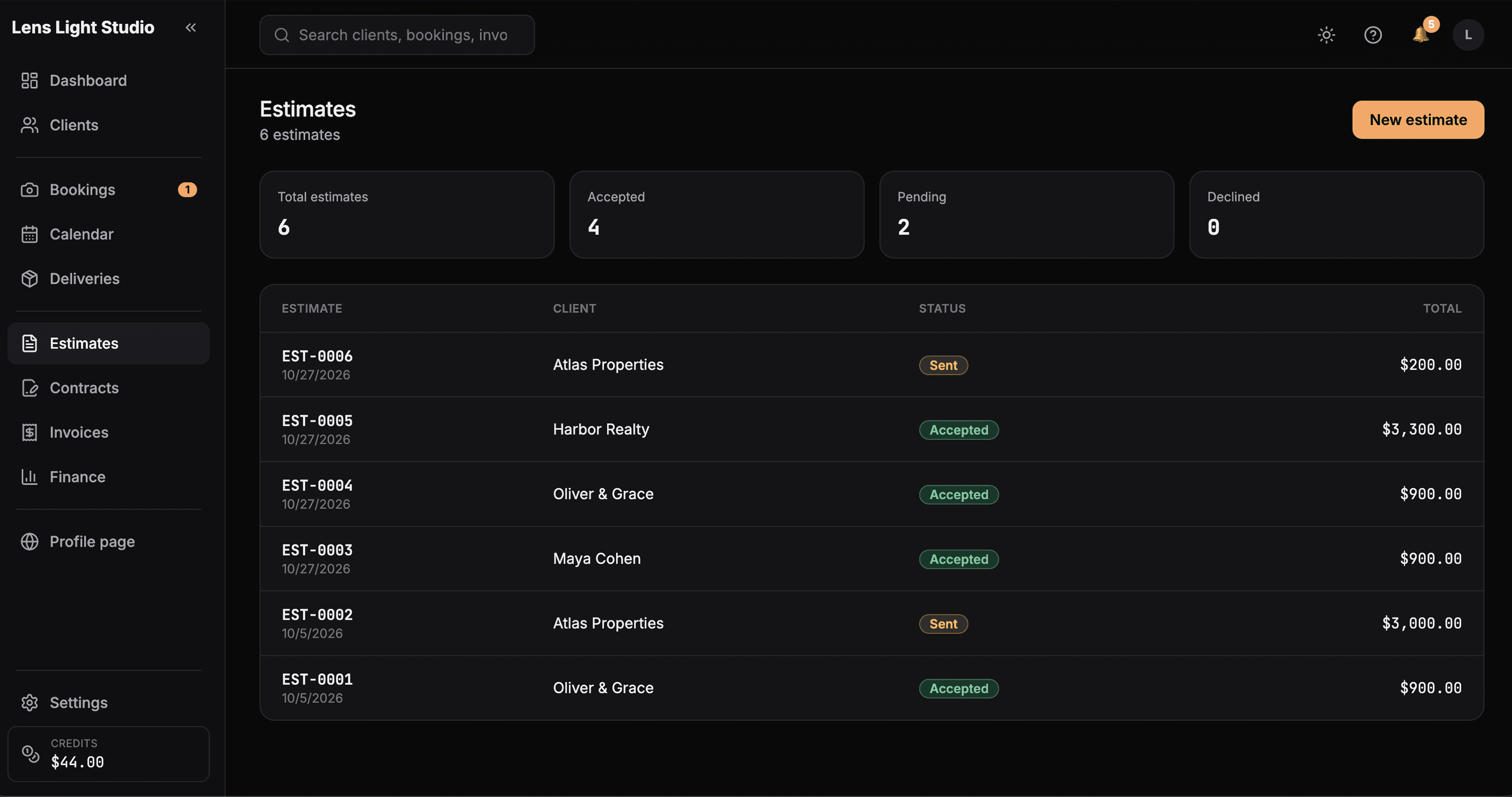
Estimates → invoices
Build a quote line by line, then turn it into an invoice without retyping. Your numbers stay tidy from first quote to paid.
- Itemised estimates with quantities and amounts
- Convert an estimate to an invoice in one step
- Show your bank details and terms on each document
- Send a clean, branded document
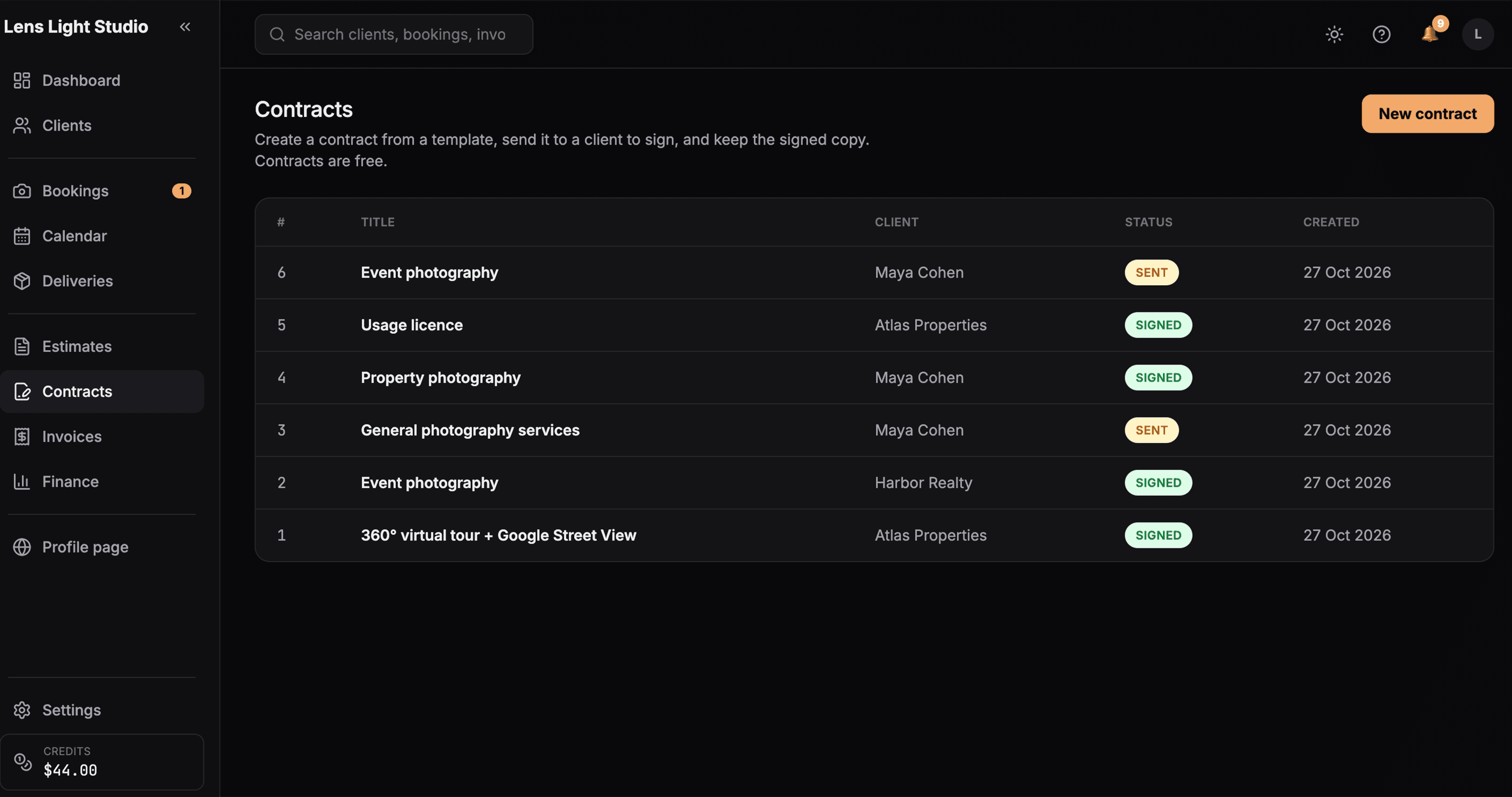
Contracts
Send a contract, get it signed, and keep the signed copy attached to the job — so nothing moves forward without the paperwork in place.
- Send a contract from a reusable template
- Clients sign online, on any device
- The signed copy stays attached to the job
- See at a glance what's signed and what's outstanding
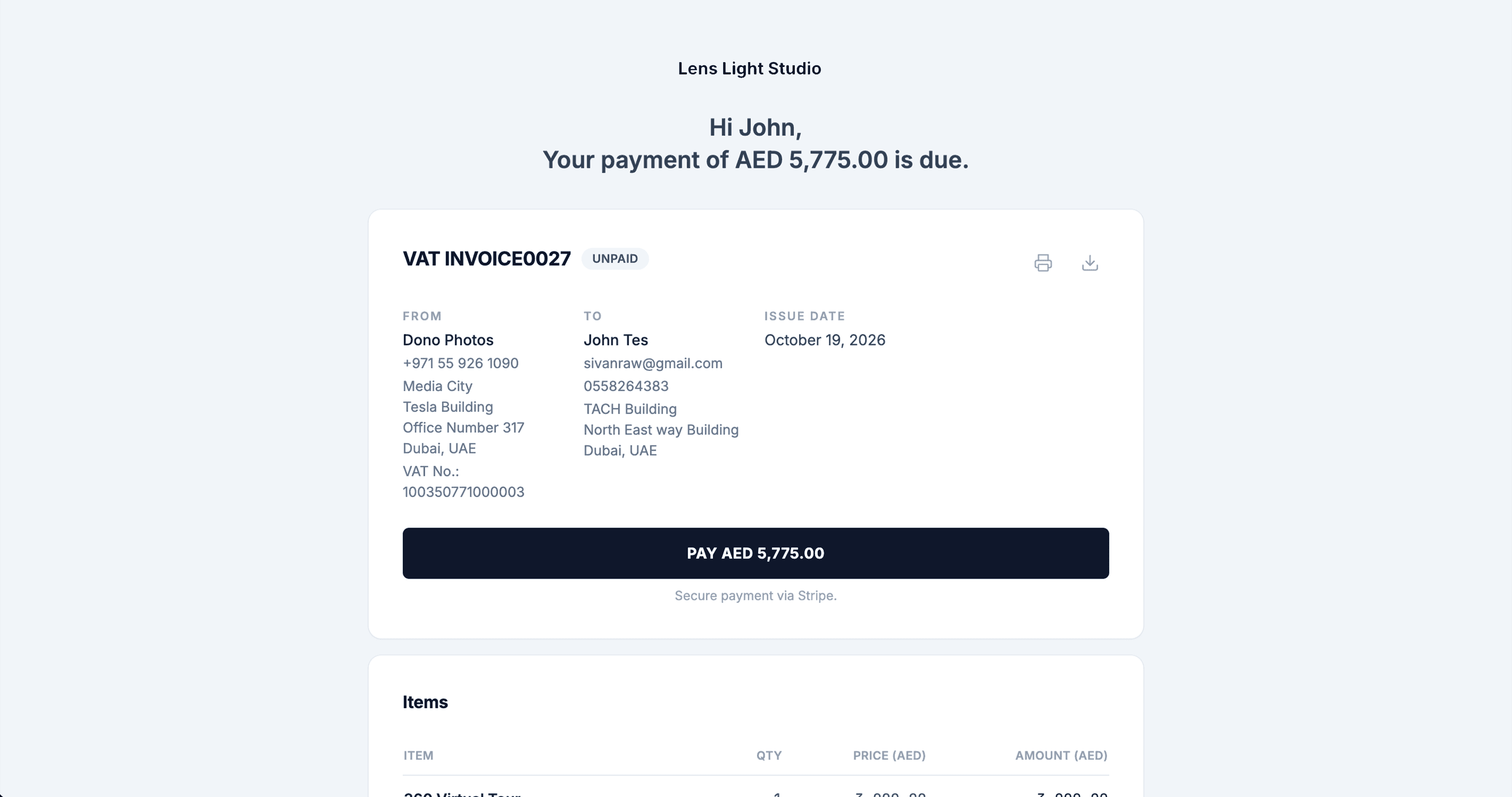
Online payments
Let clients settle invoices online by card on a secure page — no chasing, no bank-transfer back-and-forth.
- Card payments on a secure page (Stripe)
- A clear Pay button on the invoice
- See what's paid and what's still due
Deliveries & property websites
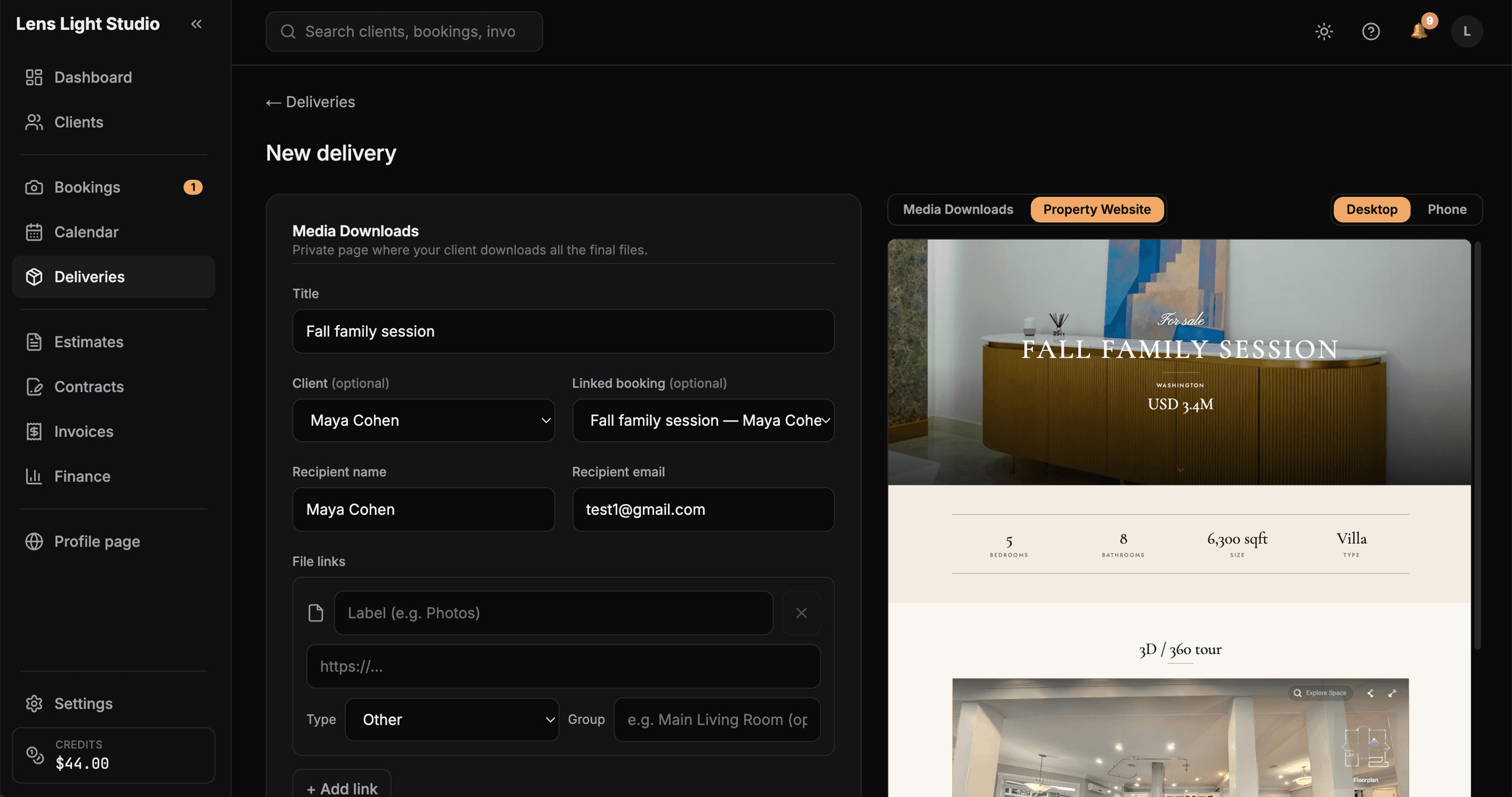
Hand over finished work on a clean delivery page — or, for property shoots, publish a dedicated website for the listing.
- A delivery page clients open on any device
- Property websites in three themes
- Add a 3D tour, video and a location map
- Agent branding on the property site
Client portal
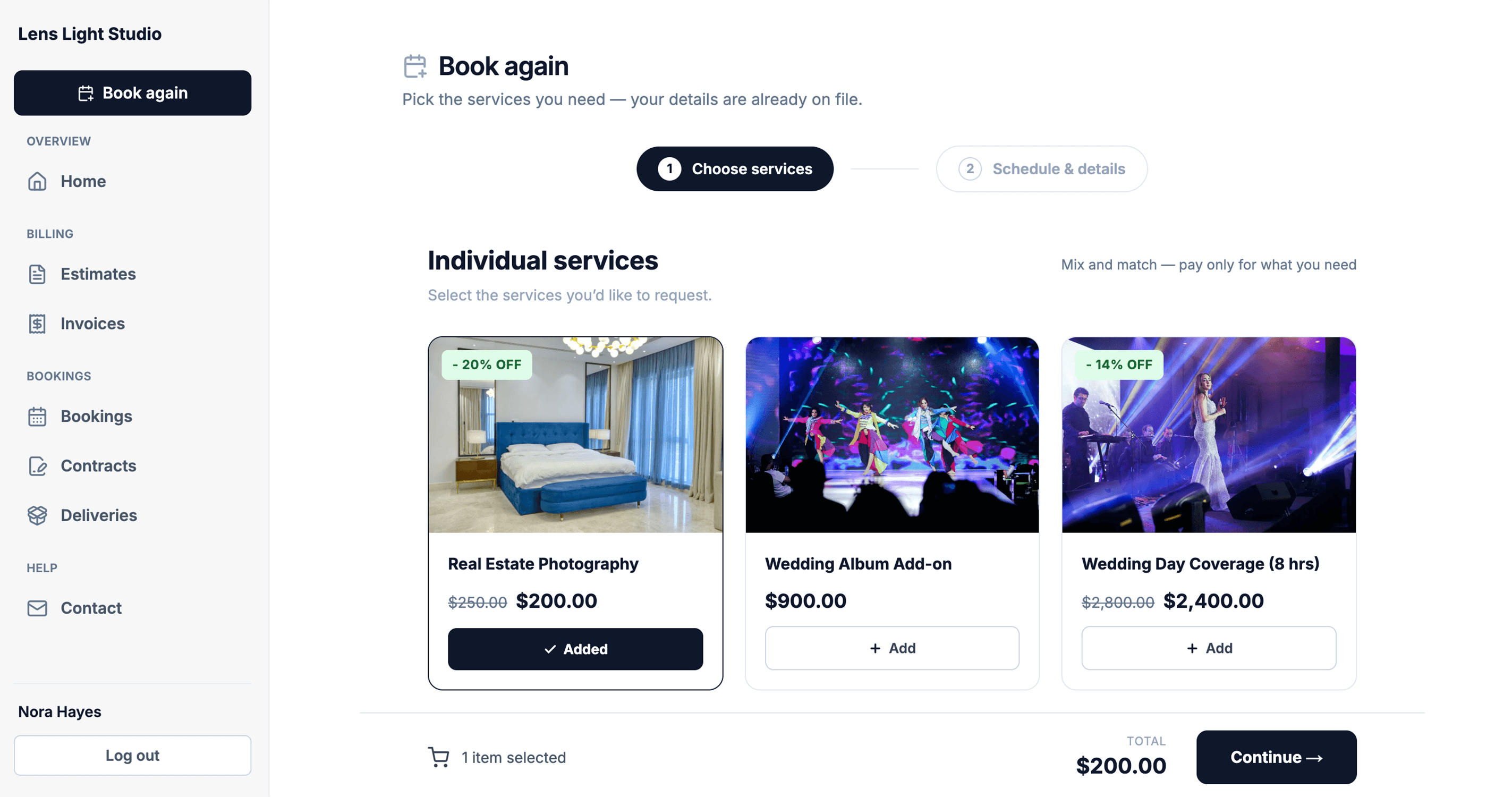
A private area where each client signs in to see their bookings, invoices and deliveries — and can book you again whenever they need to.
- Sign in with a secure email link
- Bookings, invoices and deliveries in one place
- Book again in a couple of taps
- Your studio name throughout
Profile page
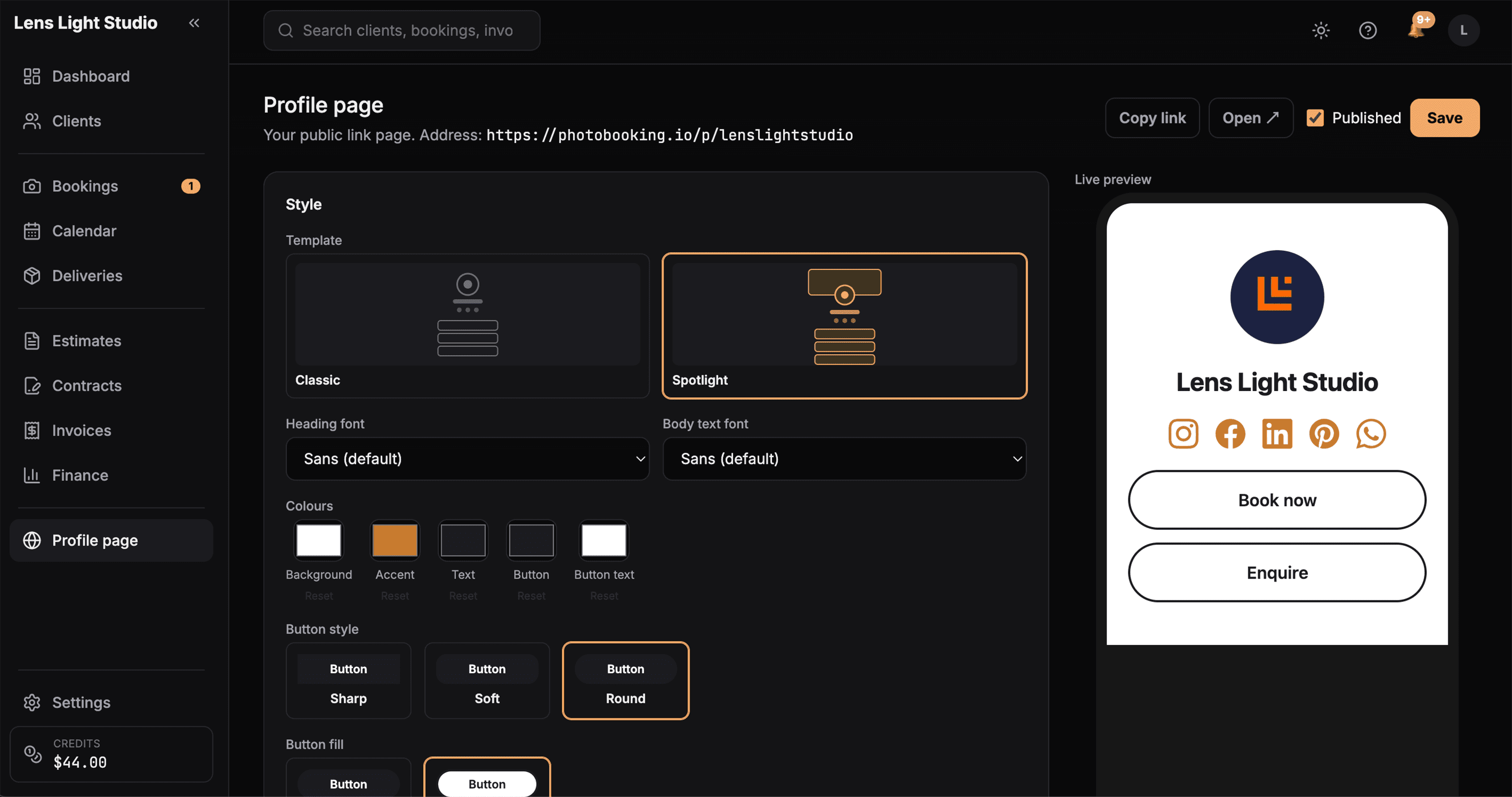
A simple public page for your studio, with your services, contact details and links — an easy place to send people who want to know more.
- Your services and contact details
- Links to wherever you choose
- Your studio name
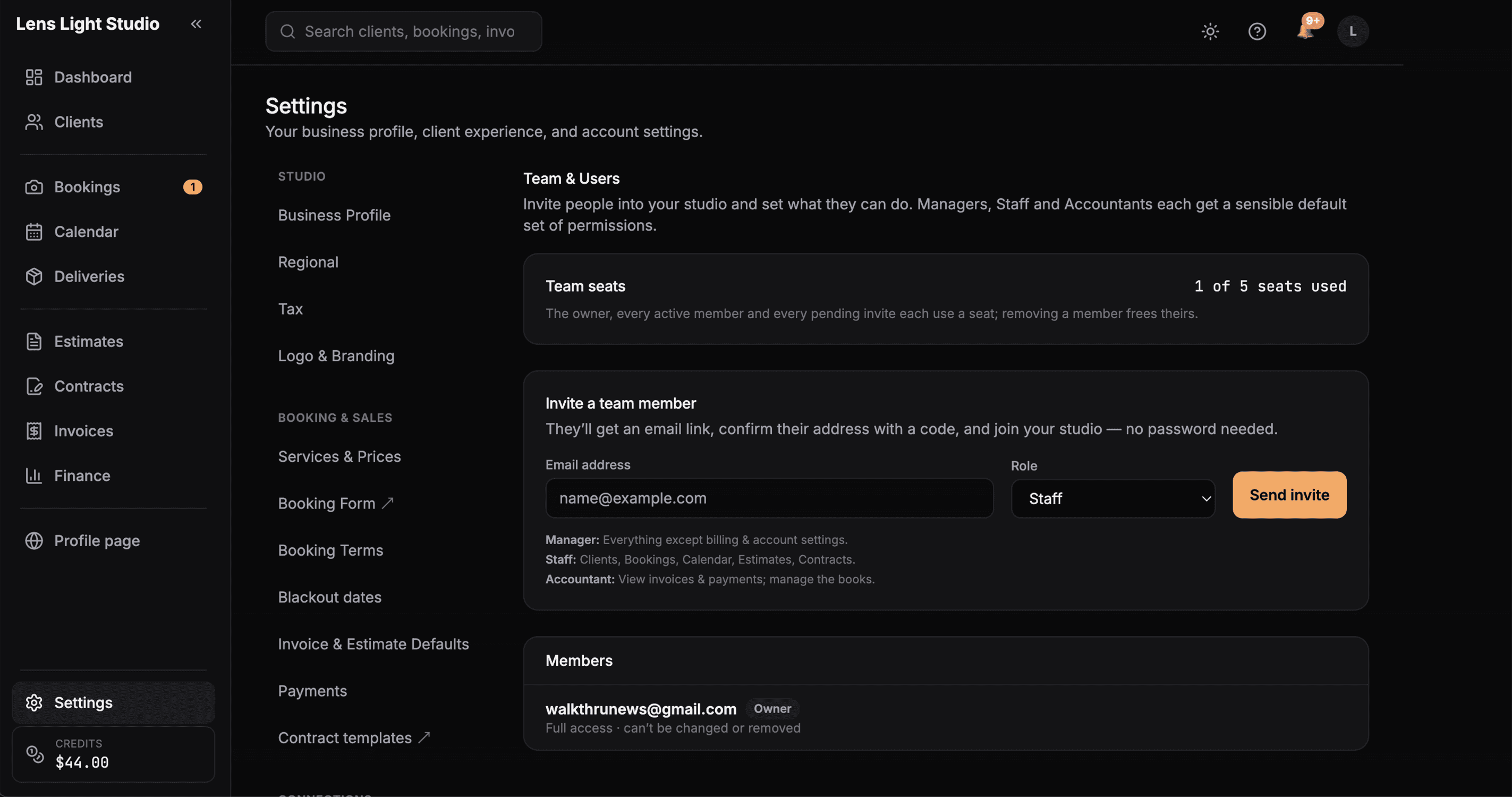
Team members
Add the people you work with and give each one the right level of access — everyone sees what they need and nothing they shouldn't.
- Invite team members by email
- Roles that control what each person can do
- Keep sensitive areas owner-only
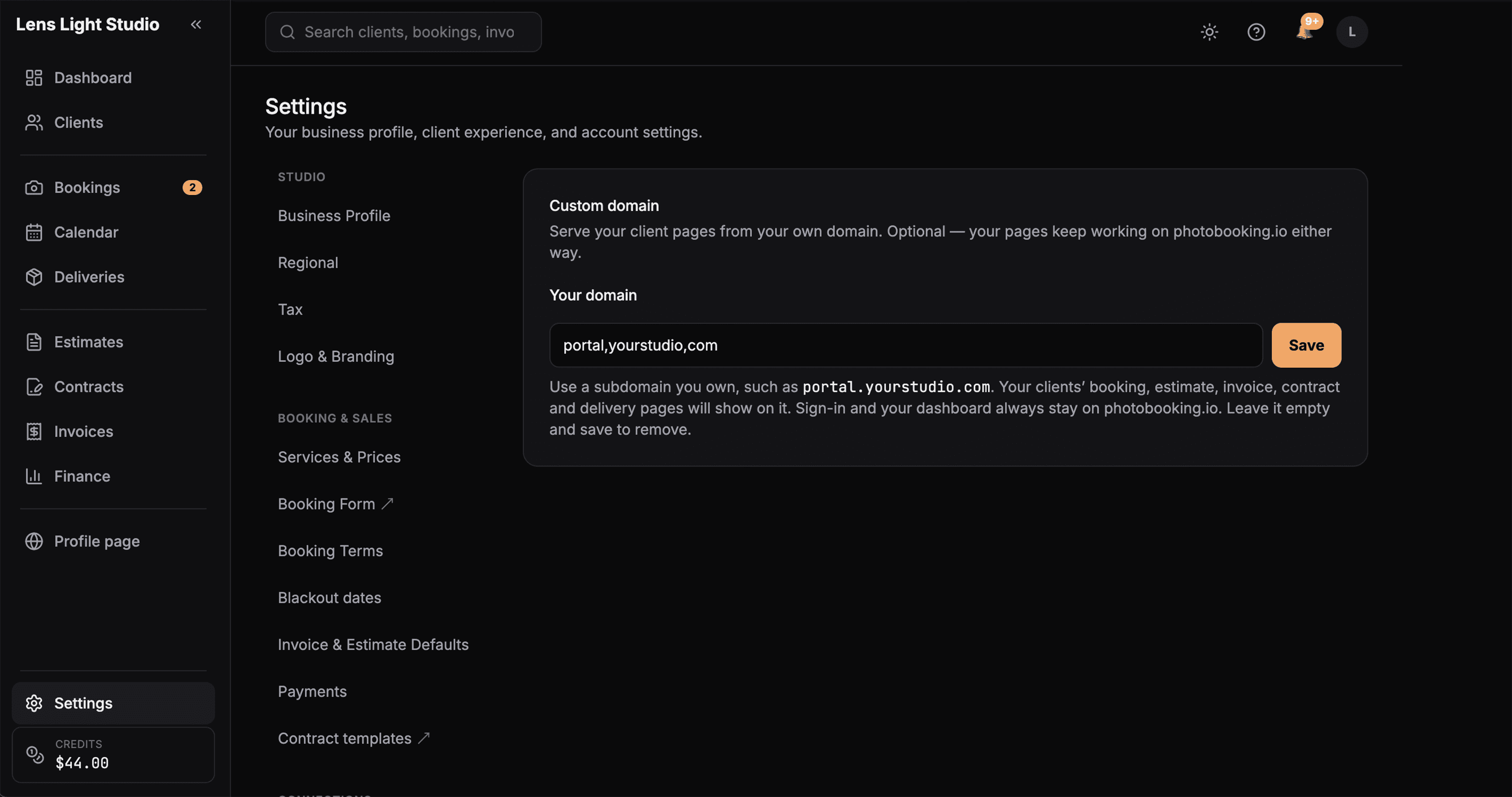
Finance & expenses
Keep income and expenses in one place, so you always know where the business stands — without a spreadsheet.
- Record expenses and other income
- See income alongside costs
- A clearer picture of each month
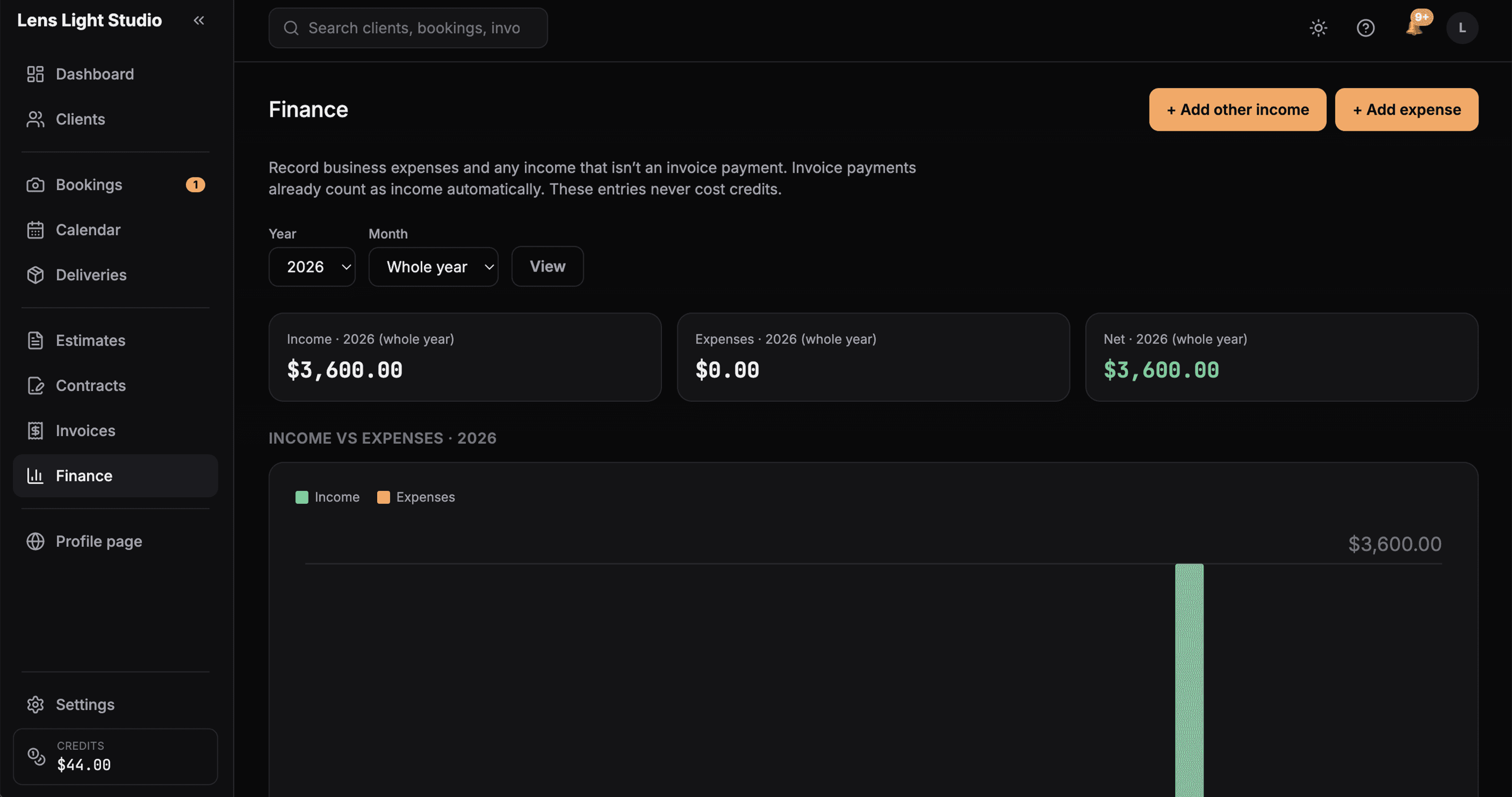
Custom domain & optional Branding Pack
Run client-facing pages on your own domain, and add the optional Branding Pack to remove PhotoBooking branding.
- Use your own custom domain
- Optional Branding Pack removes PhotoBooking branding
- A cleaner look for your clients
Pay per credit, not every month
Top up when you need to, and only spend credits when you use a paid feature. No monthly bill.
Request early access